
Select the resident - the Resident Information screen opens, from there open the menu: Resident → Details.
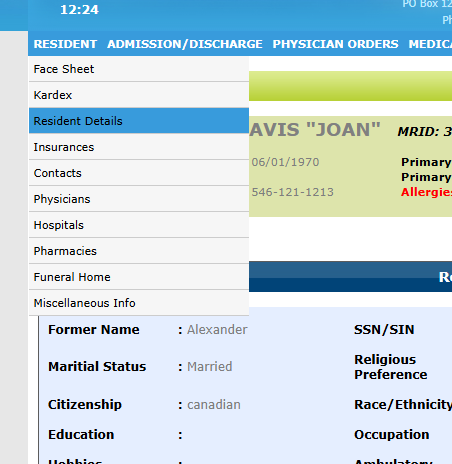

Under the Medical Status section, click Yes or No for Living Will, then Save your entry.
To enter the Advanced Directives Description, go to the same Resident menu and select Miscellaneous Info (the last option).
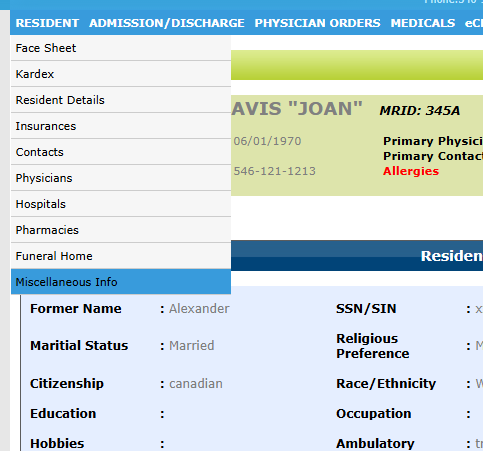
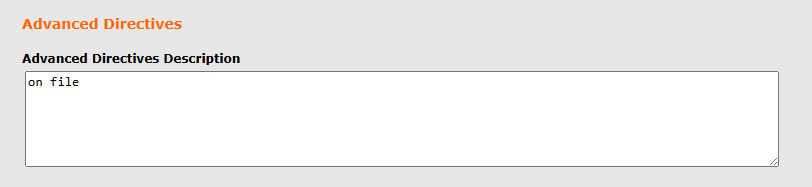
On this screen, fill in the Advanced Directives field.
The Resident Information screen will display both of these fields under the section Miscellaneous Information.