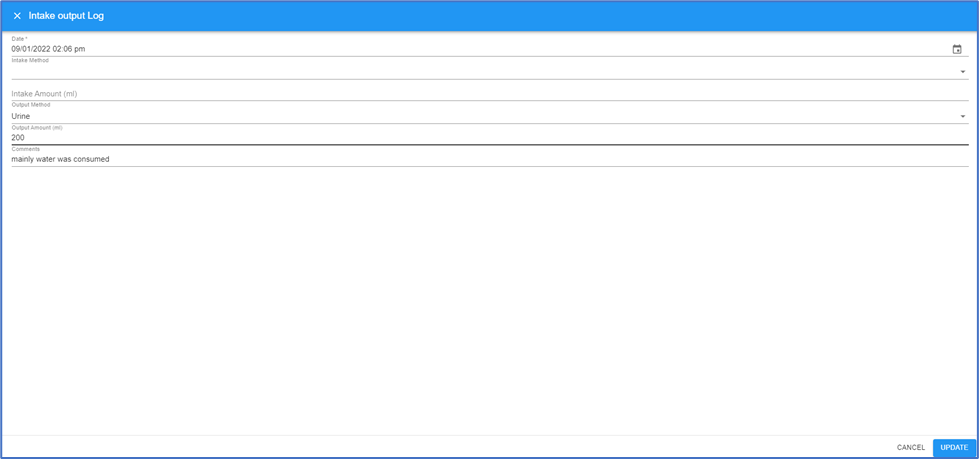
How to enter Resident Fluid Intake/Output Data
Tracking resident fluid intake/output amounts using eResidentCare. Input fluid amounts can be entered while charting the diets using the eDAR charting screens. Input fluid amounts can also be entered in the eLog -> Intake/Output log. This tutorial will show how to enter using the eLog.
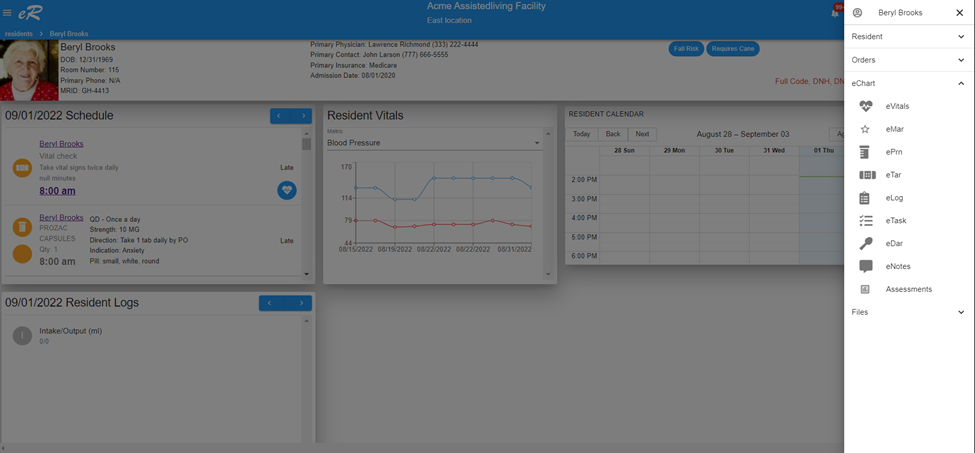
- From the Resident list, select your resident to open their dashboard.
- Chose the Resident Menu (three lines at top right corner select the menu eChart -> eLog from the resident menu.
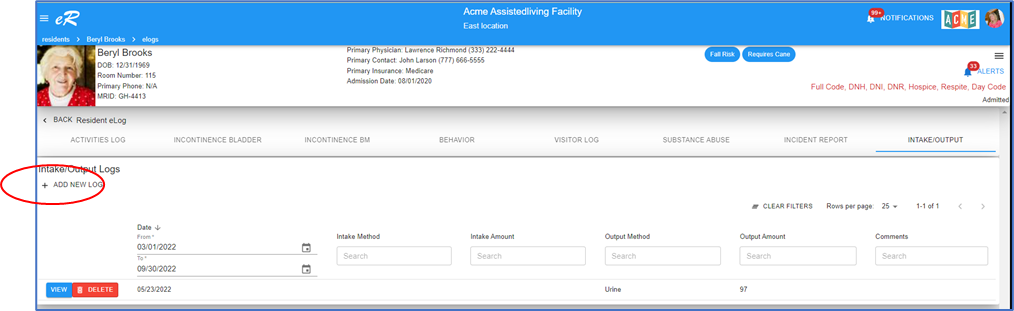
3. Click =ADD NEW LOG
4. The entry form opens. Fill in the values and save.