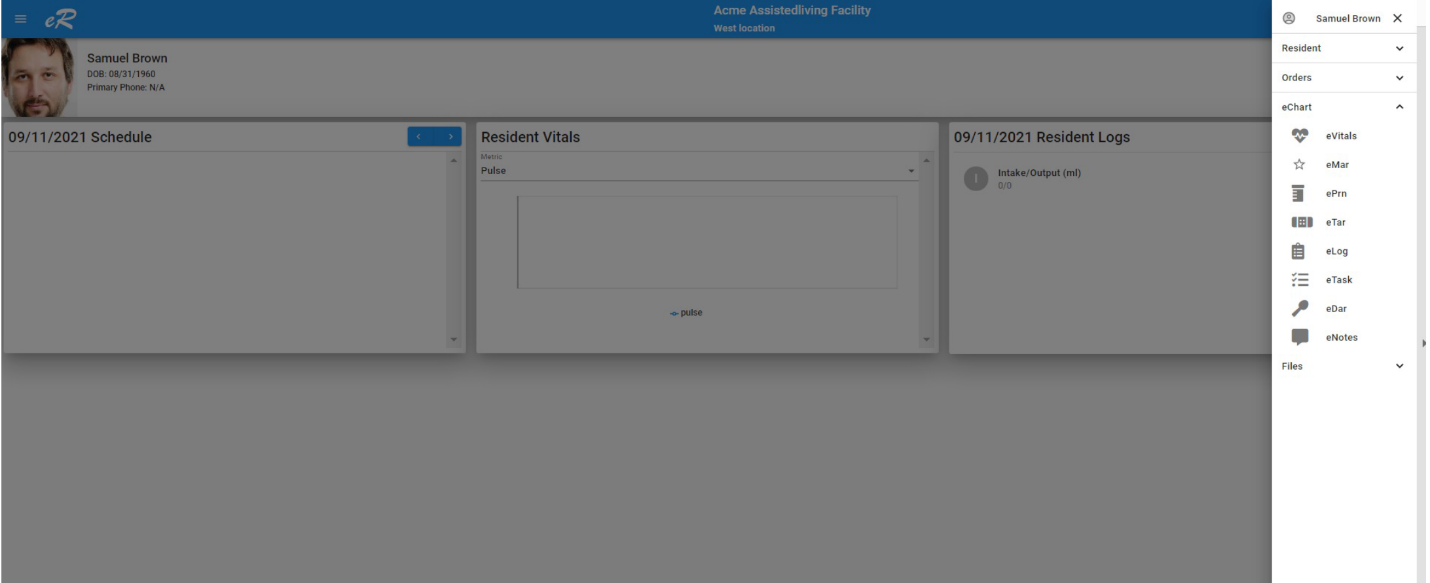
Starting at the Dashboard, select a resident and navigate to:
PATH: Resident -> eChart -> eVitals
Open resident menu and select eChart/eVitals
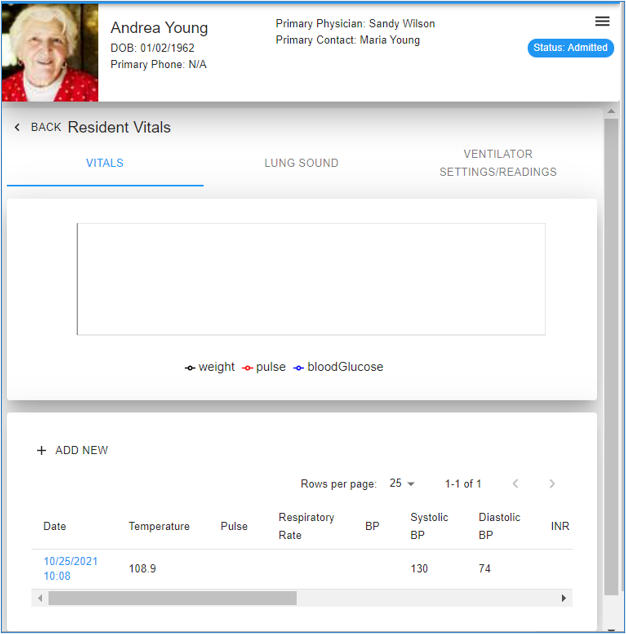
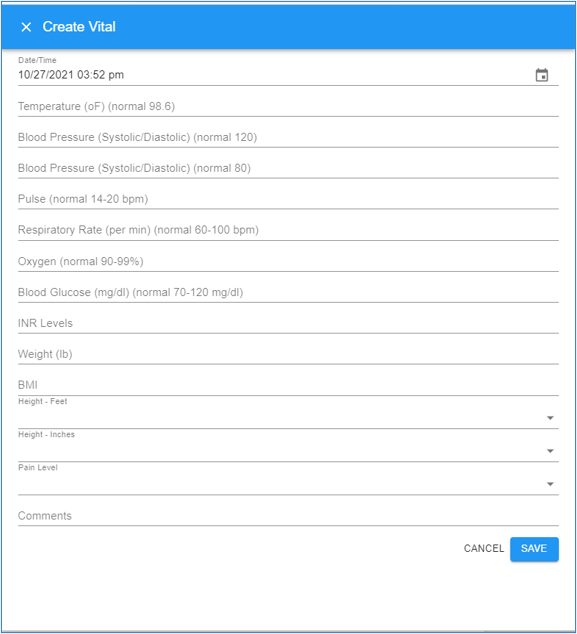
At Resident Vital screen, click '+Add New

Modified on: Fri, 12 Nov, 2021 at 8:05 PM
Starting at the Dashboard, select a resident and navigate to:
PATH: Resident -> eChart -> eVitals
Did you find it helpful? Yes No
Send feedback