To edit a Physician follow these steps:
NOTE: To edit a Physician you need to either have the correct permission level, such as Administrator, or
you need to contact the appropriate person.
-
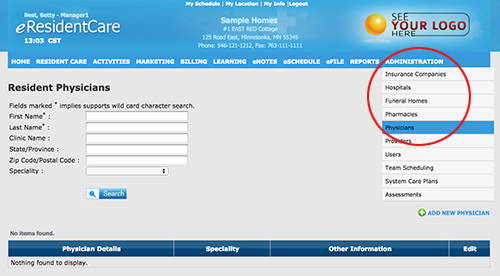
Go to the main navigation bar and select 'Physician ' under Administration.
- To search for the Physician you would like to edit enter the first three letters in one of the search fields
and click 'Search'. In the example below 'lar' was entered in the 'First Name' field.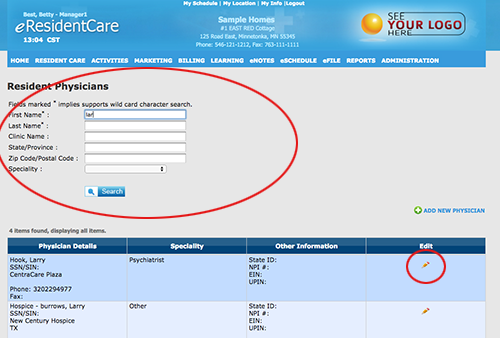
Click on the 'Edit icon' (as shown above) to open the Physician you would like to make your changes to.
-
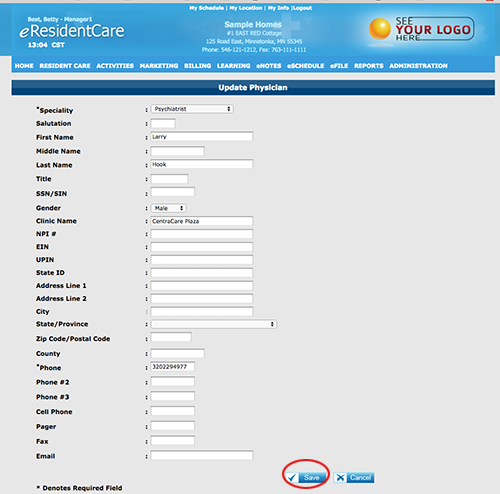
Your Physician screen will open. Make any changes you would like and click 'Save' to update your information.