To edit your Location you need to either have the correct permission level, such as Administrator, or you need to contact the appropriate person.
To edit your location follow these instructions:
-
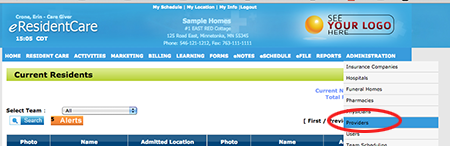
To edit your locations select Providers from the Administration menu.
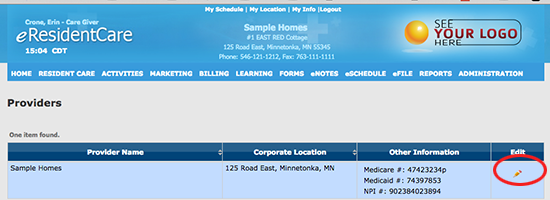
- Your main facility will show on the grid. Click the Edit icon
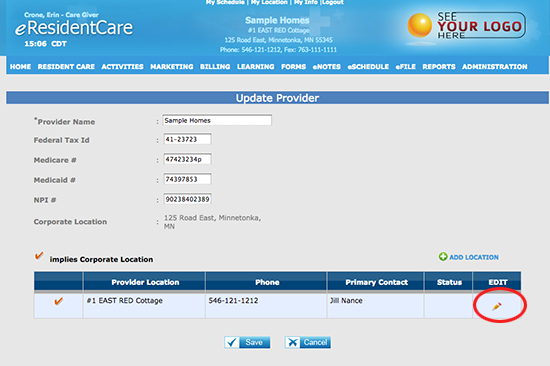
- To Edit the information at a location click the Edit icon.
-
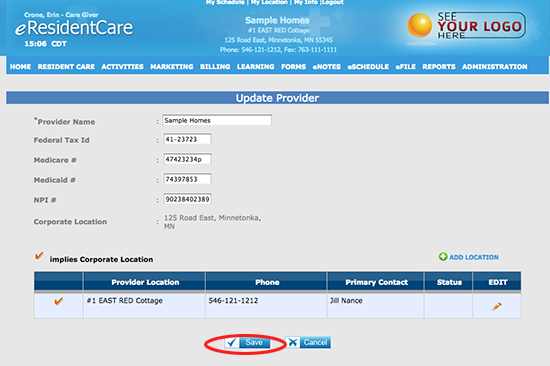
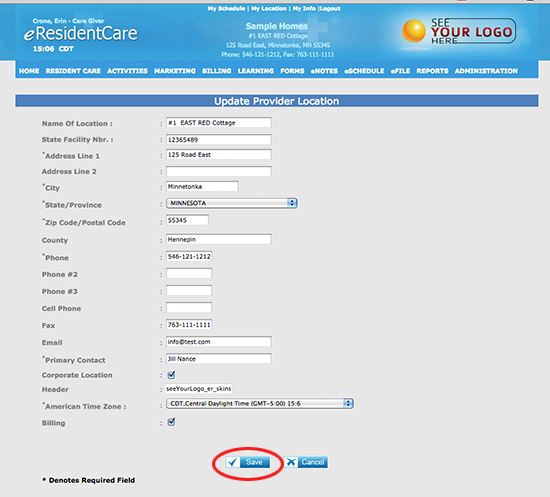
Enter the required information and click Save.
-
Lastly, you will need to click Save on the main facility grid to complete your edit on your location.