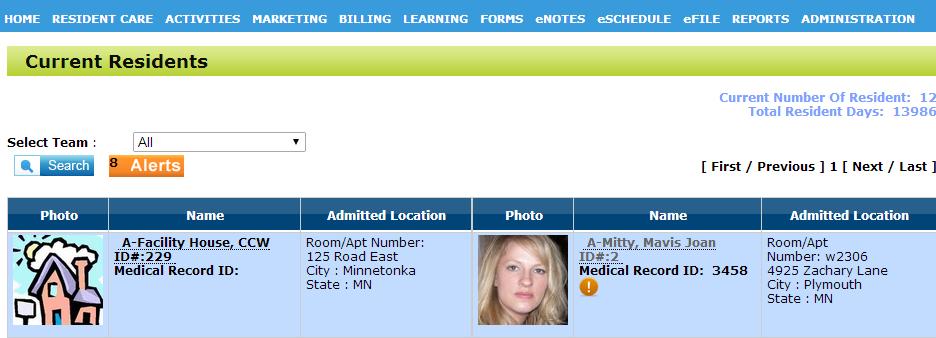
To add a contact to a resident, first select the resident you wish to add the contact to
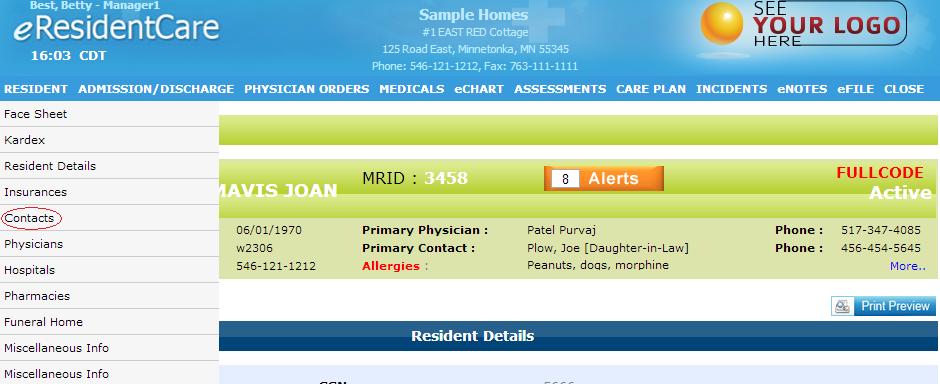
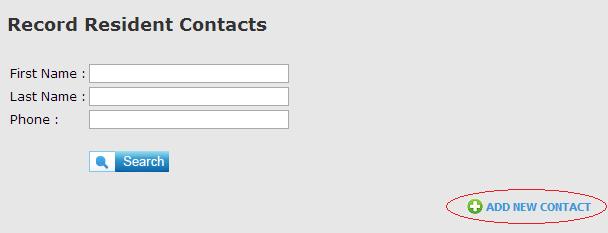
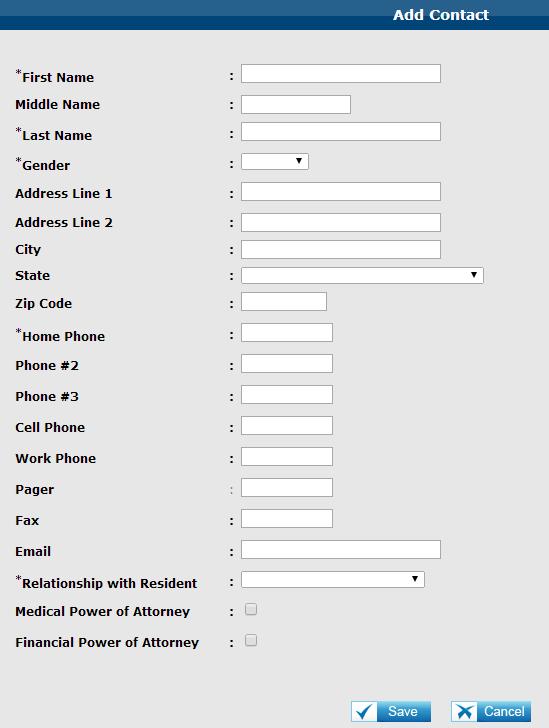
Then, input the information of the contact and click "Save" to save your contact.
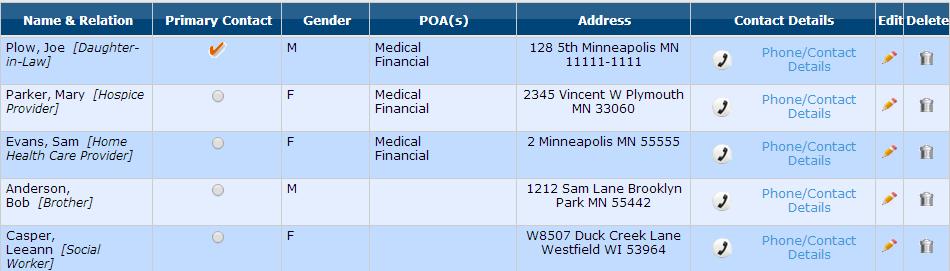
After you have saved the contact, it will appear in the list of contacts of the resident.