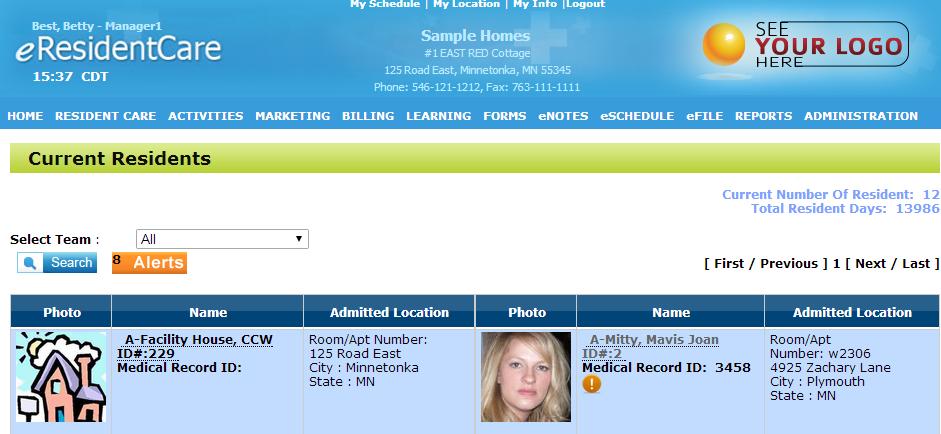
To enter an eNote, first click on the resident you want to add an eNote to.
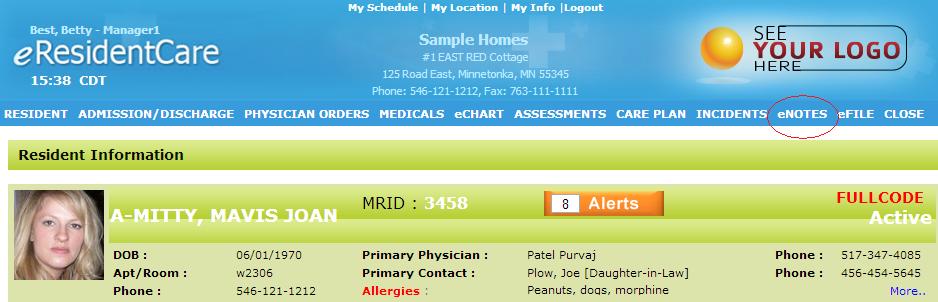
After you have clicked on the resident, click on "eNotes" at the top of the page.
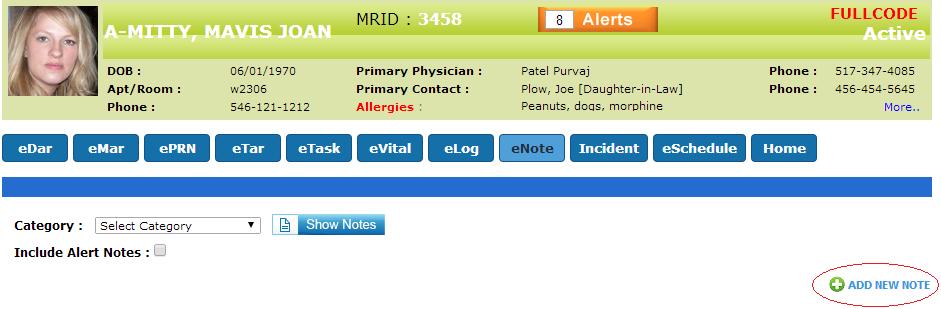
Once you're on the "eNote"s page, click on "Add new eNote".
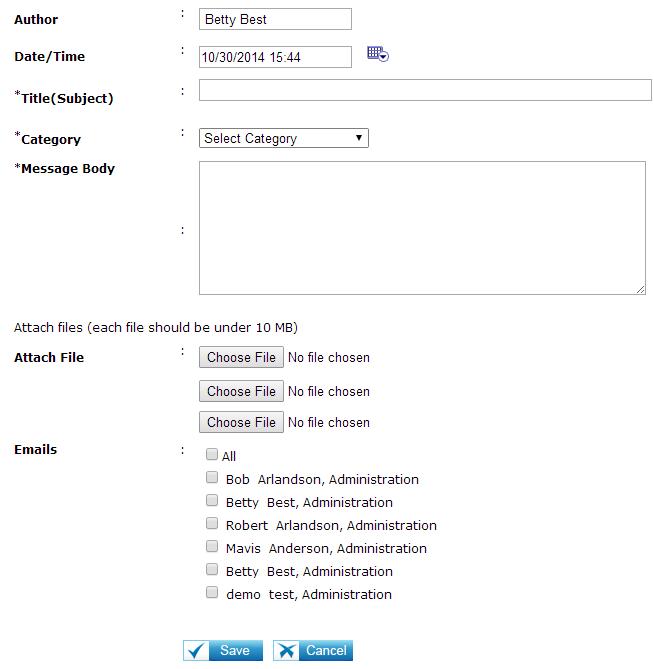
Input the information required and then press "Save" to save your new eNote.