
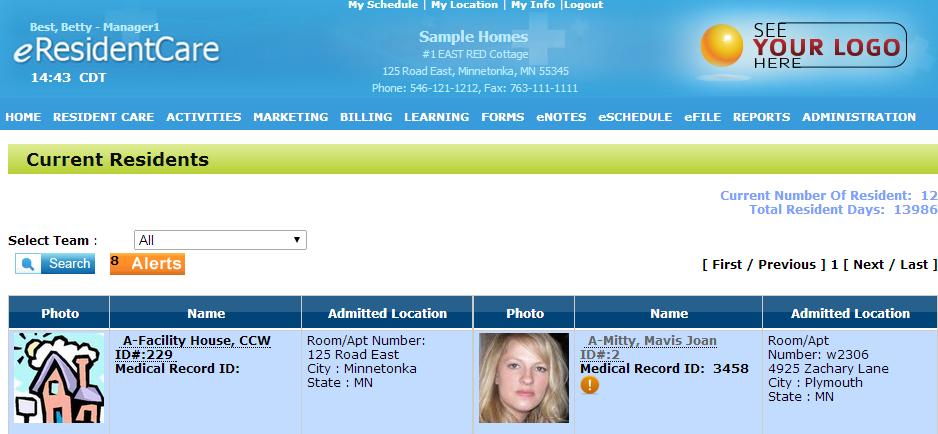
First go on the "Home" page and click on the resident you wish to discharge.
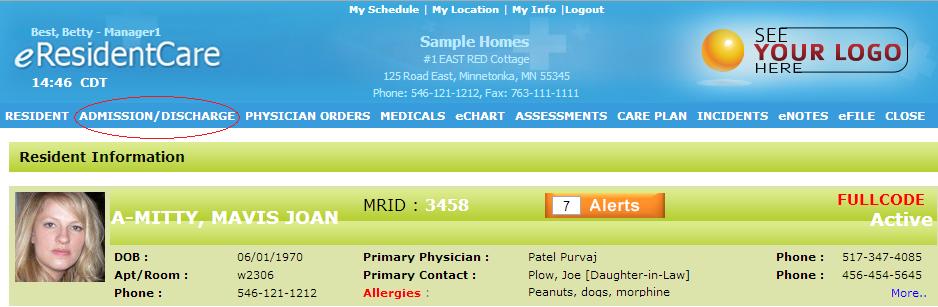
After you have chosen the resident, click on "Admission/Discharge" at the top of the page.
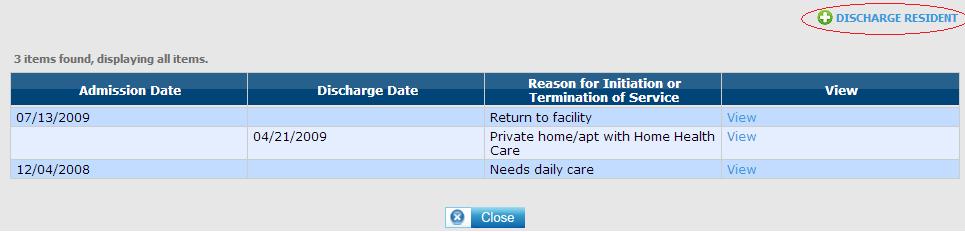
Once you have gotten to that page, click the green button that says "Discharge Resident"
Lastly, add in the information required and click "Save" and your resident will be discharged.
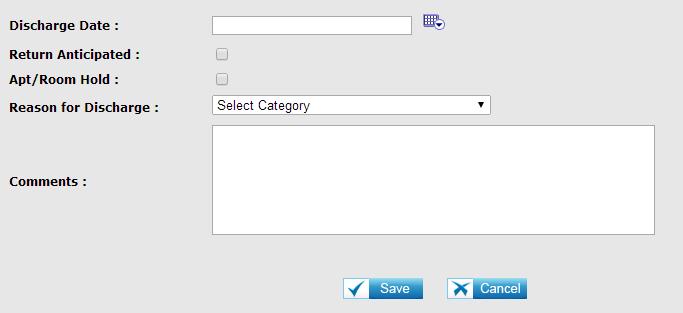
NOTE: All of the resident's services that were scheduled will go into history with the current date being the stop date.